WWDC’23 introduced us a new view modifiers for animating views in SwiftUI. In this blog post, we are going to have a look at phase animation view modifiers. There are two view modifiers: phaseAnimator(_:content:animation:) and phaseAnimator(_:trigger:content:animation:). The first one creates an animation which runs continuously by cycling through all the animation steps. The latter is triggered once when an observed value has changed.
A multistep or multiphase animation is easiest to model using an enum.
This file contains hidden or bidirectional Unicode text that may be interpreted or compiled differently than what appears below. To review, open the file in an editor that reveals hidden Unicode characters.
Learn more about bidirectional Unicode characters
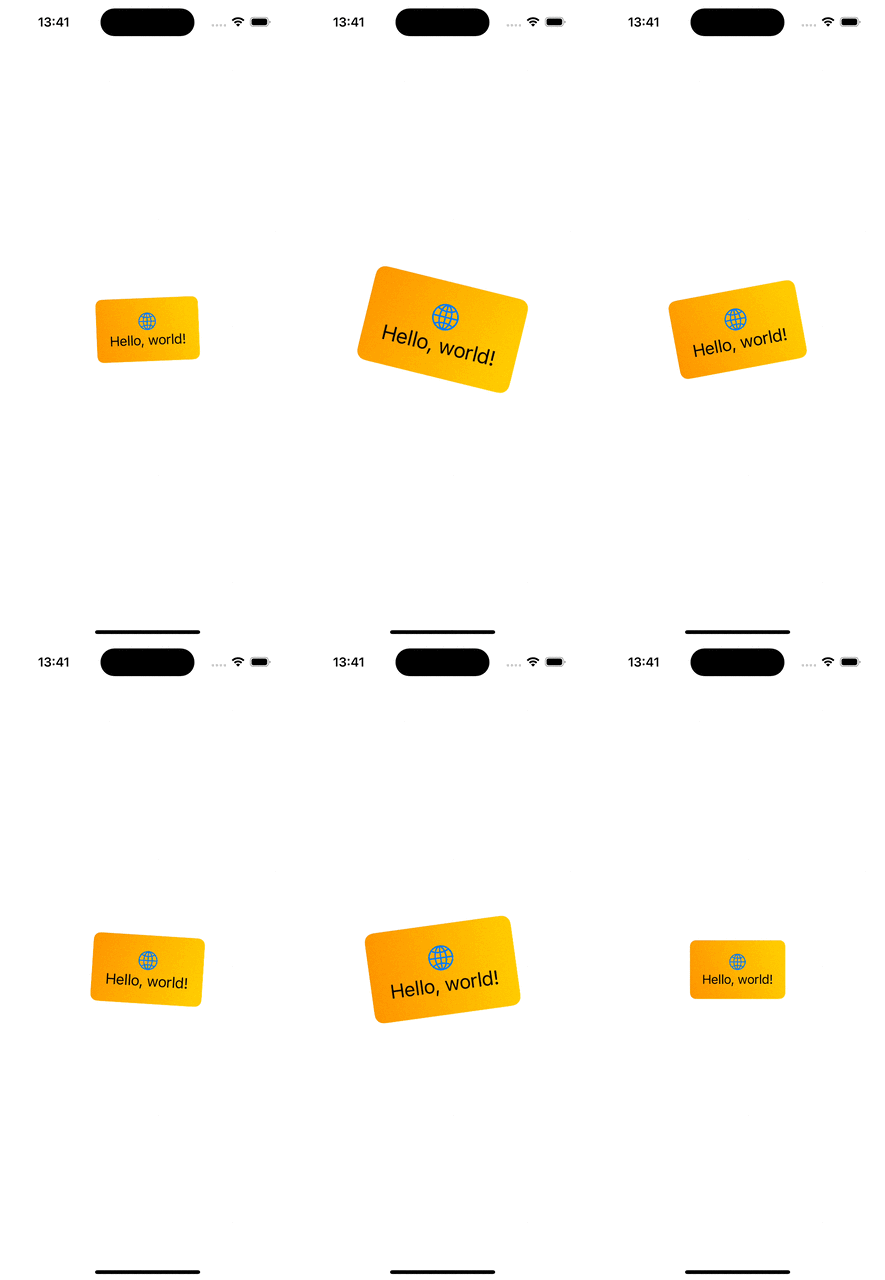
Here we have an enum with 3 animation phases. Each of the phase slightly modifies 3 values: scale, rotation and gradient start point. These properties are accessed from the phaseAnimator’s view builder, where we modify the original view based on the phase. In addition, we also configured different animations based on the current phase.
This file contains hidden or bidirectional Unicode text that may be interpreted or compiled differently than what appears below. To review, open the file in an editor that reveals hidden Unicode characters.
Learn more about bidirectional Unicode characters
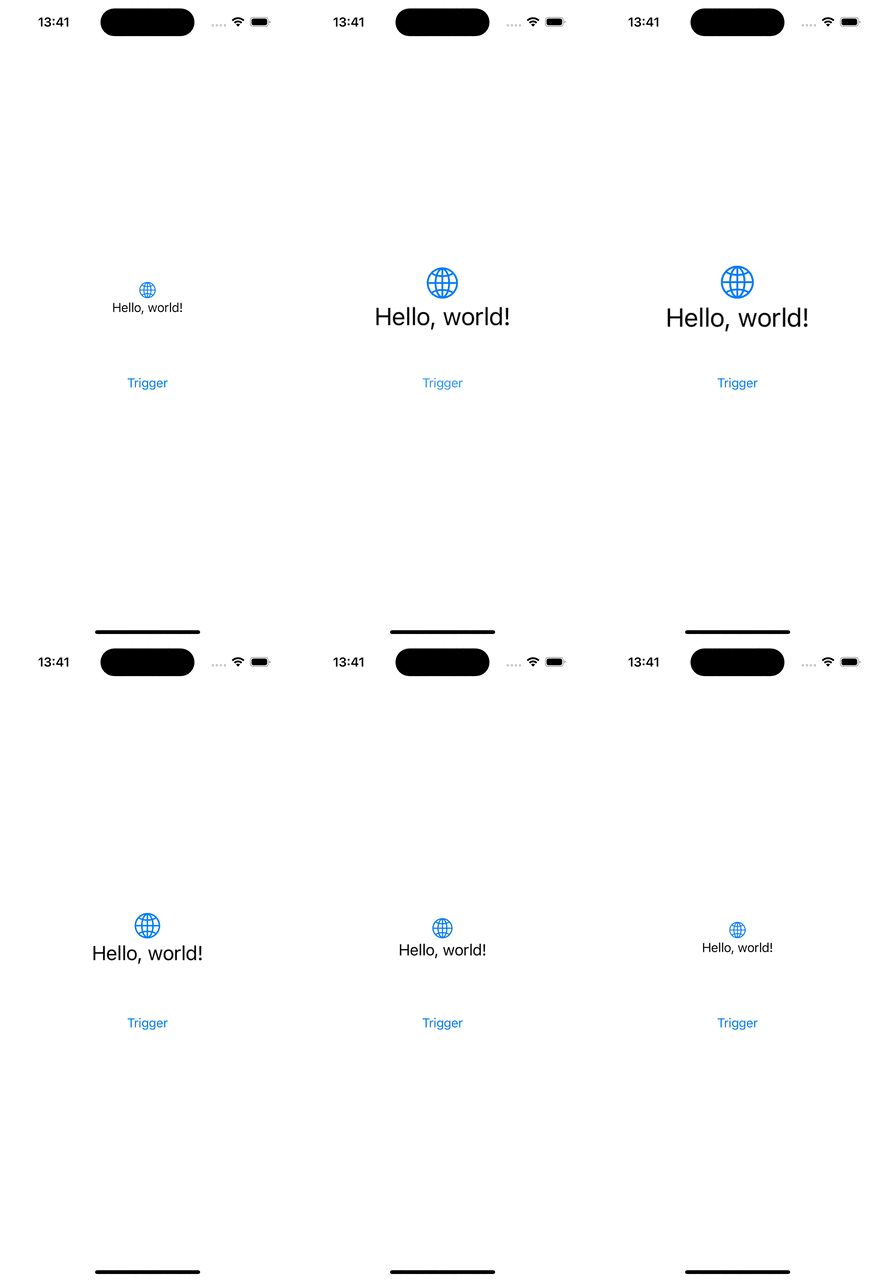
When we only want to have 2 phases for our animation, then we can use boolean values for defining the animation. Below is an example of an animation which is triggered when a value changes and the animation just scales up the banner view and then animates to the initial state – false.
This file contains hidden or bidirectional Unicode text that may be interpreted or compiled differently than what appears below. To review, open the file in an editor that reveals hidden Unicode characters.
Learn more about bidirectional Unicode characters
 Augmented Code