Signal Path version 2.6 is out. Signal Path now supports wav files in addition to the existing raw IQ data format. Audio recordings are now saved as wav files, and it means that audio recordings can be played with other music player apps. Additionally, some audio quality issues related to playing audio recordings were fixed along with it.
Tag: SignalPath
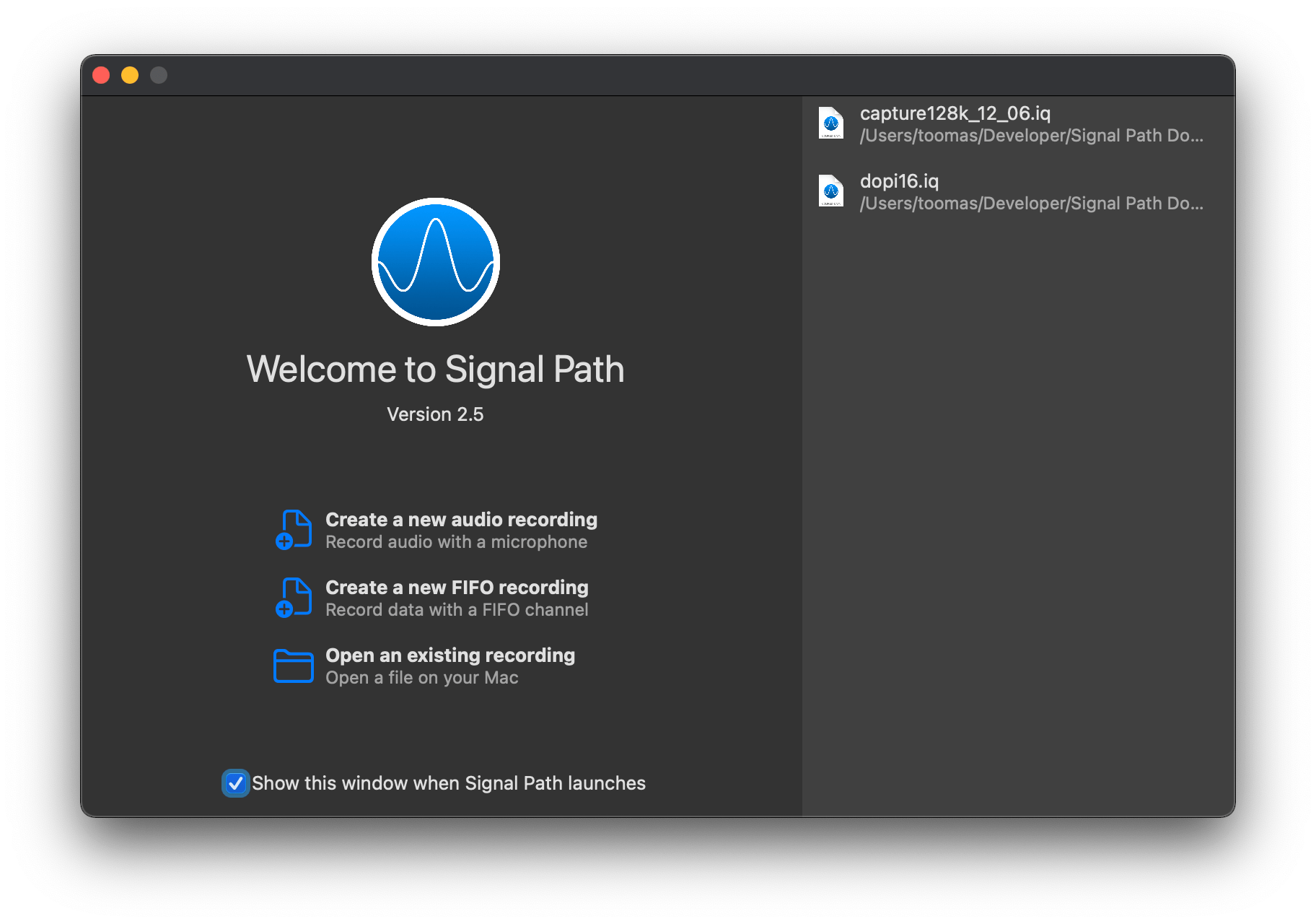
Signal Path version 2.5 is out with a new welcome view on macOS and general improvements related to faster app launch time on all the platforms.

Signal Path version 2.4 is out. This time it is a smaller release concentrating on optimizing file accesses when playing audio or just scrolling through the file.
Signal Path just got a new feature which was requested by users. Happy to announce that Signal Path 2.3 includes a audio replay feature. Now users can record audio and then replay the recording. Especially useful for people who would like to see spectrums while replaying the recording with sound: for example singers or musical instrument players.
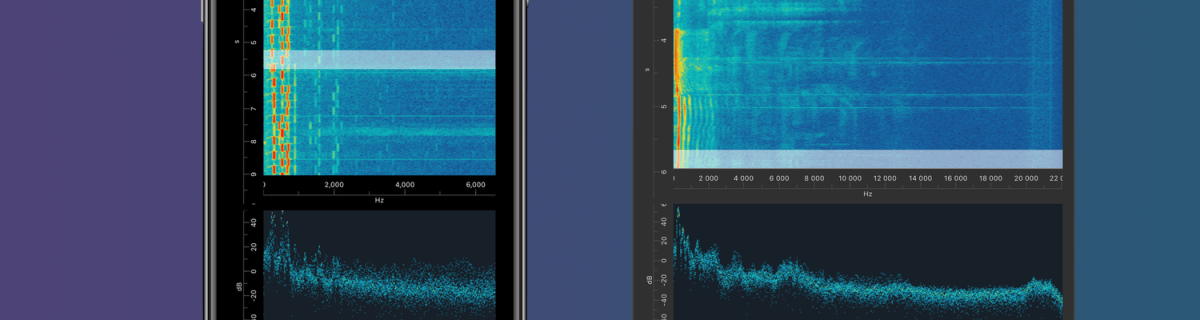
I am happy to announce that Signal Path 2.0 is available now for macOS and iOS. Signal Path uses Apple’s universal purchase offering – buy it once for both platforms.
Signal Path 2.0 on the App Store
Past, present, and future
I spent a lot of time architecting both apps in a way that they reuse as much functionality as possible: from Metal pipelines to view models powering the UI. Most of the UI is written in SwiftUI, but there are a couple of views using UIKit (iOS) and AppKit (macOS) directly. Now when the groundwork is done, every next release will offer the same core functionality on both platforms and also integrating OS specific features. Future is bright, give Signal Path a try!
What is Signal Path
Signal Path is the most performant spectrum viewing app with beautiful user interface. You can record audio spectrums using microphone or open large recordings containing I/Q data. Read more about Signal Path.
 Augmented Code